How to manage stock daily
Here is a simplified, easy-to-follow guide for managing your stock on a daily basis. Think of this as your daily "digital storeroom" routine.
1. The Morning Check-In
Start your day by seeing what needs your attention.
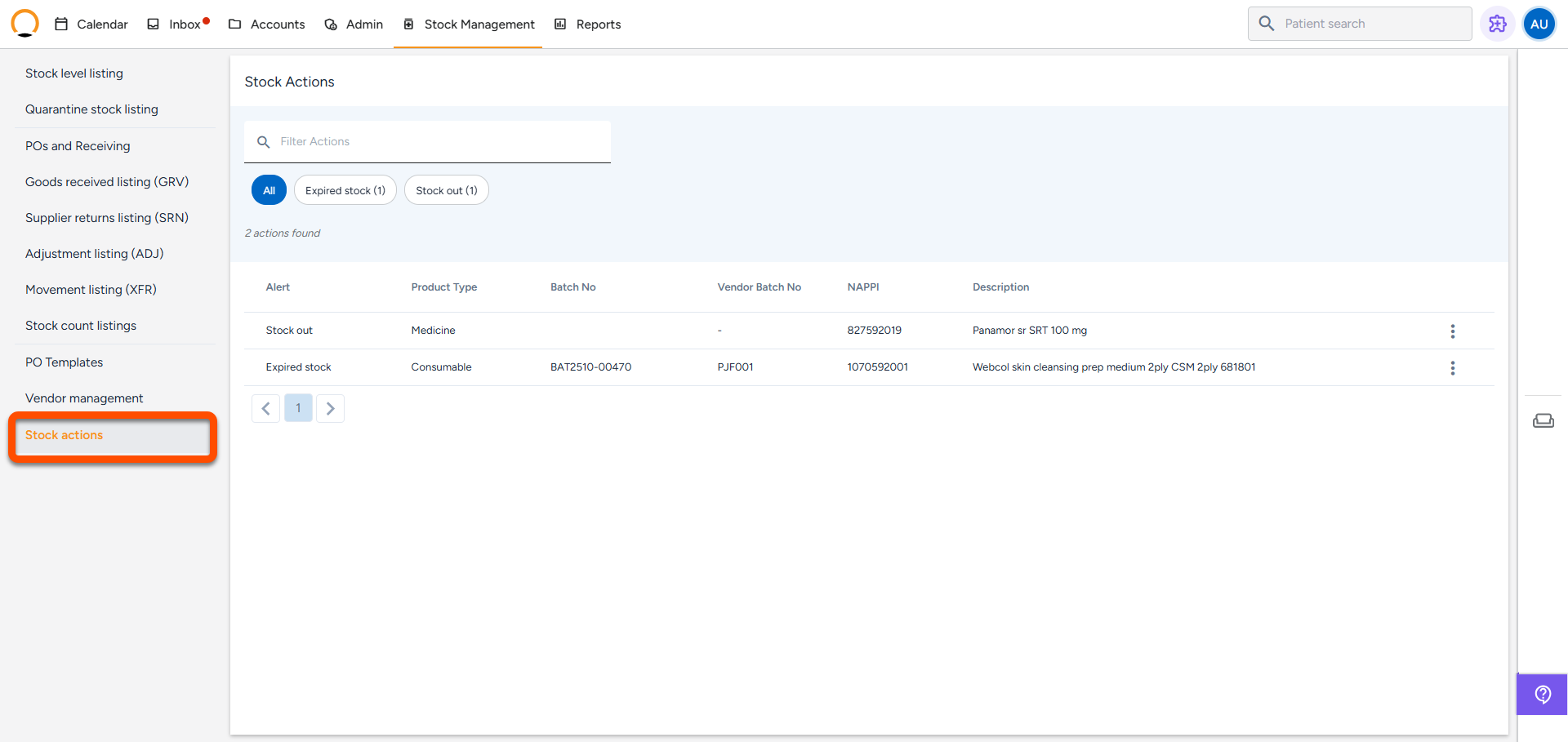
- Check "Stock Actions": Think of this as your daily to-do list. This screen instantly shows you if any items are out of stock, running critically low, or about to expire.
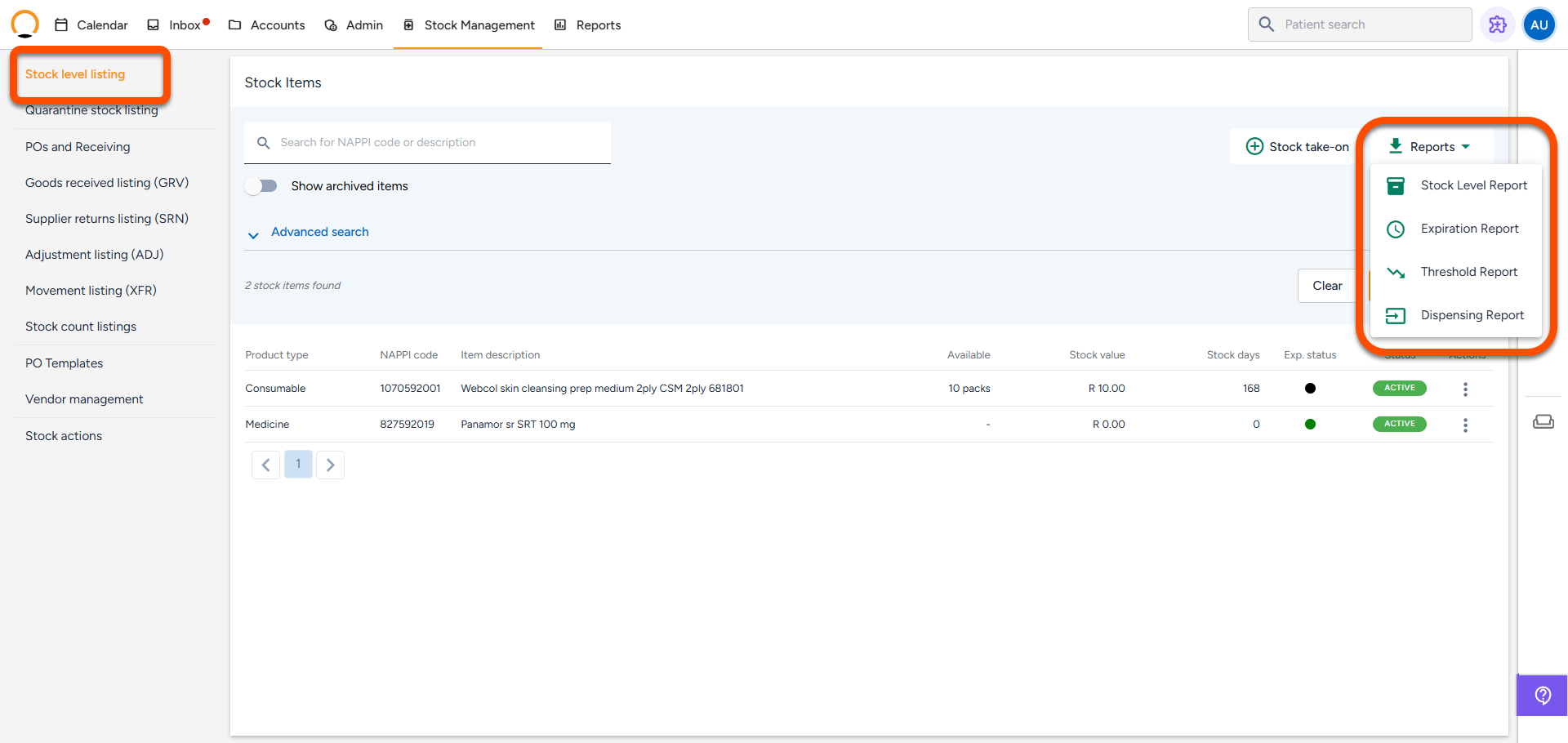
- Run 3 Quick Reports:
- Stock Level Report: Shows everything you currently have on the shelf.
- Threshold Report: Tells you exactly what has dropped below your safe limit so you know what to order today.
- Expiration Report: Warns you about items expiring soon so you can use them first or remove them.
2. Receiving Deliveries
When a delivery box arrives from a supplier, never just put the items straight onto the physical shelf.
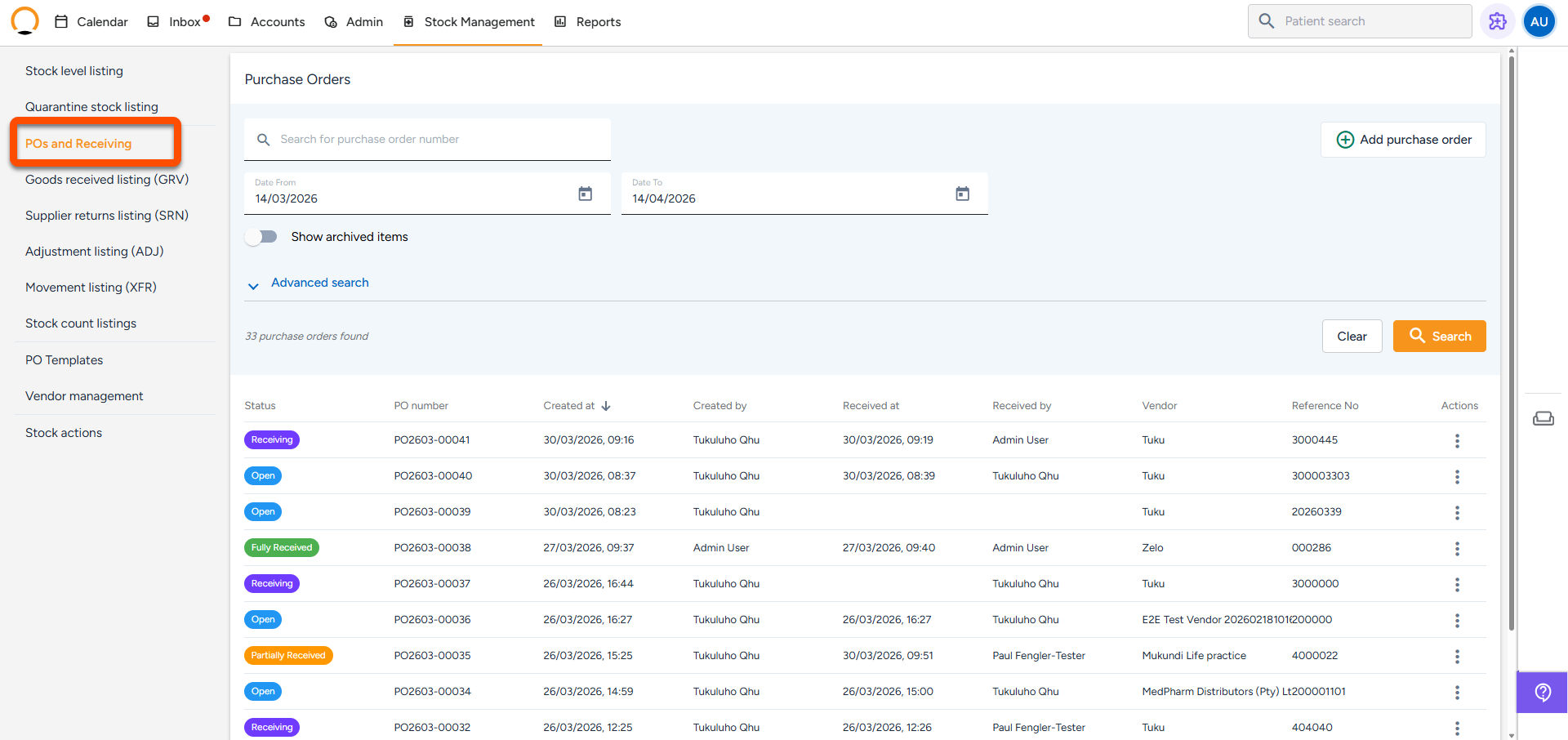
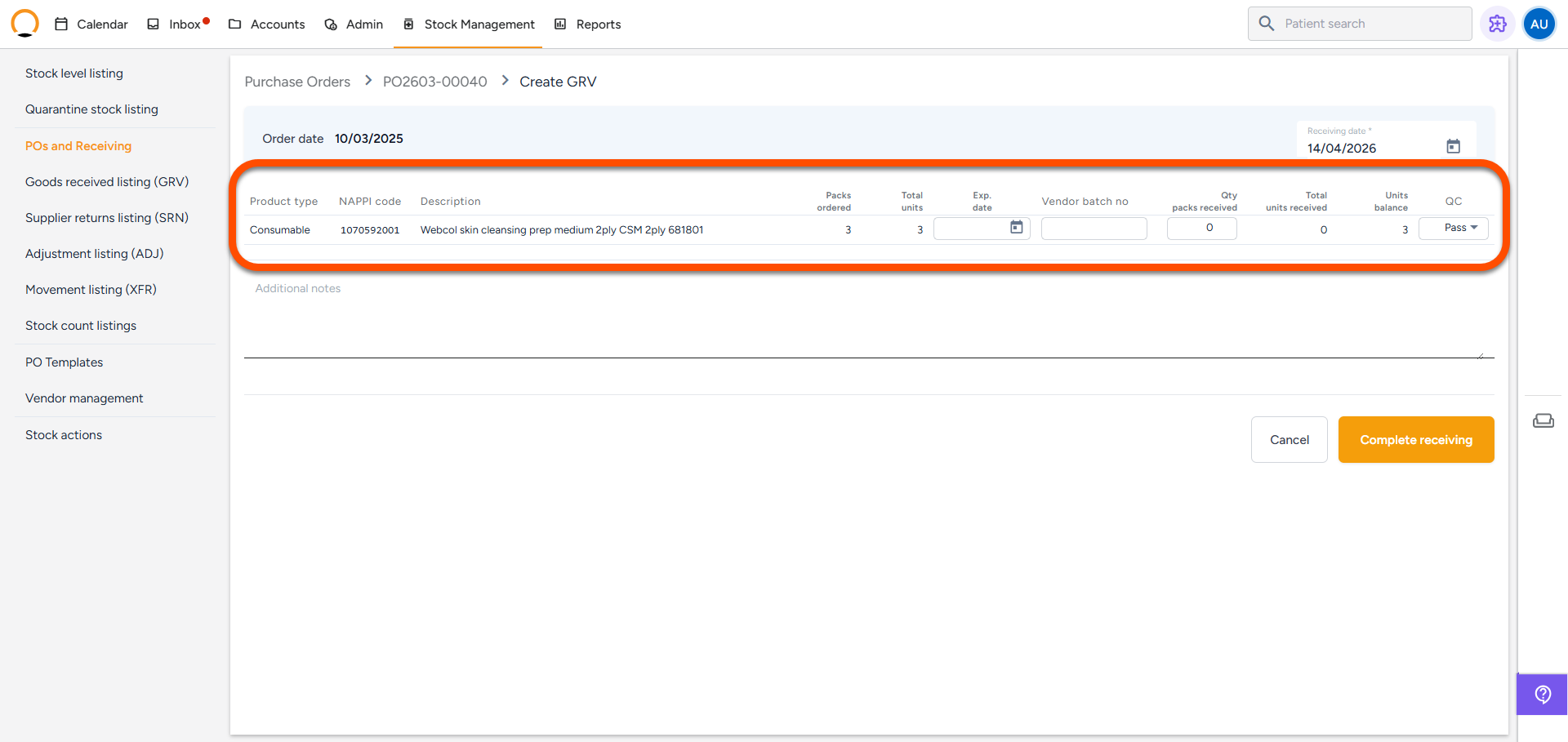
- Open the Purchase Order (PO) you created for this delivery.
- Do a Quality Check: Inspect the physical items as you receive them on the system:
- Good condition? Mark them as Pass. They will go straight to your active Dispensing Bin.
- Damaged or expired? Mark them as Fail or Part Fail. The system will automatically lock these in the Quarantine Bin so no one accidentally uses them.
- Don't Forget the Details! You must type in the Expiry Date and Batch Number before clicking save. If you skip this, the system won't be able to warn you when the stock is about to expire.
3. End-of-Day Cleanup
Keep your system tidy so it doesn't get cluttered with bad stock or incorrect numbers.
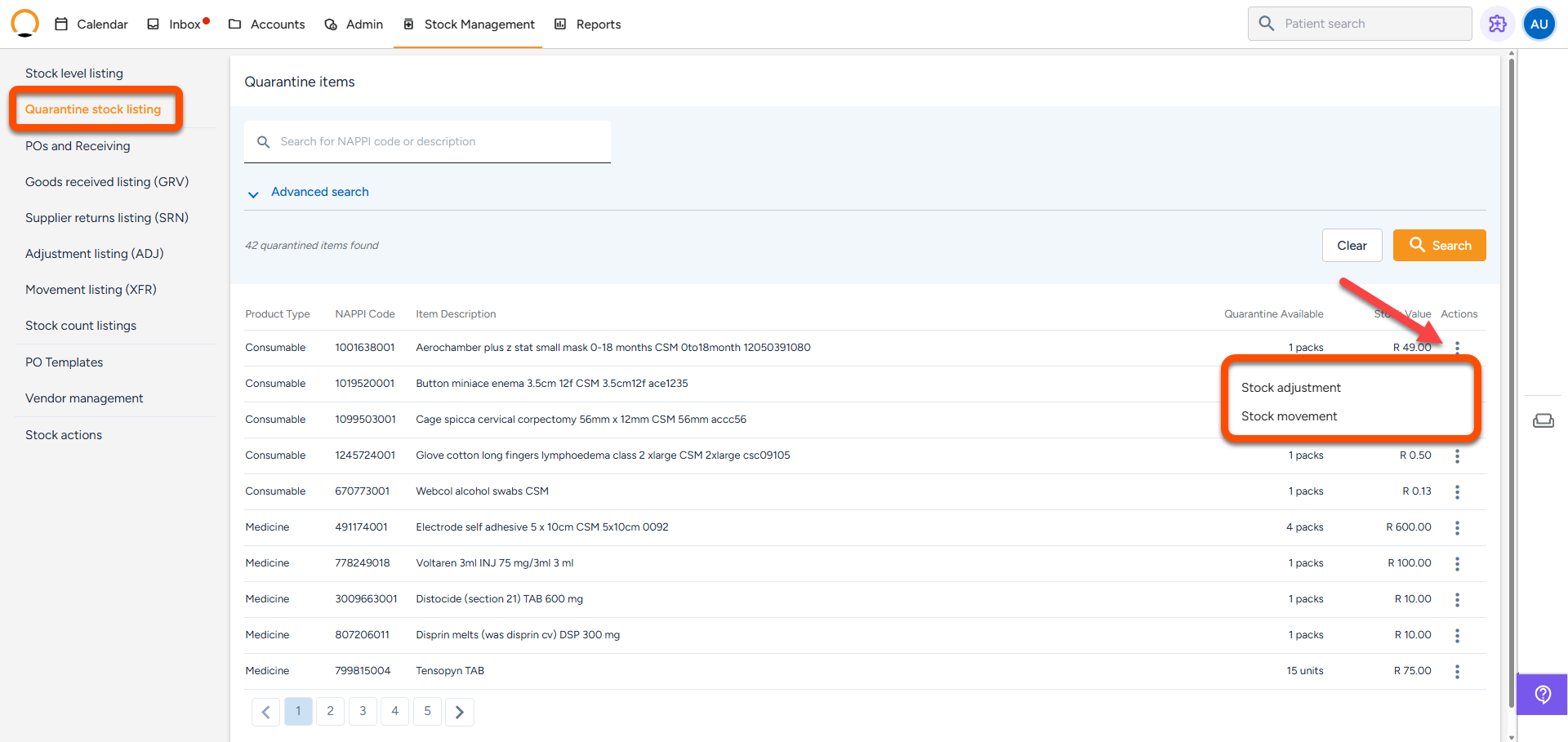
- Empty the Quarantine Bin: Check your Quarantine list. You need to decide what to do with the damaged or expired items sitting there. You can either:
- Throw them in the bin (use a Stock Adjustment to write them off).
- Send them back to the supplier (click Create SRN to log a formal return).
- Fix Mistakes Immediately: If you drop a bottle, find a miscount, or give a patient the wrong item by mistake, fix the system number immediately using a Stock Adjustment. Always type a simple reason like "Dropped bottle" or "Count error" so you remember what happened later.