
Stock Overview
The Stock Module is like a digital storeroom manager inside Healthbridge Nova. It helps you track, order, receive, count, and control every medicine or medical supply in your practice — so nothing goes missing, expired, or over-ordered.
Here’s what the Stock Module lets you manage:
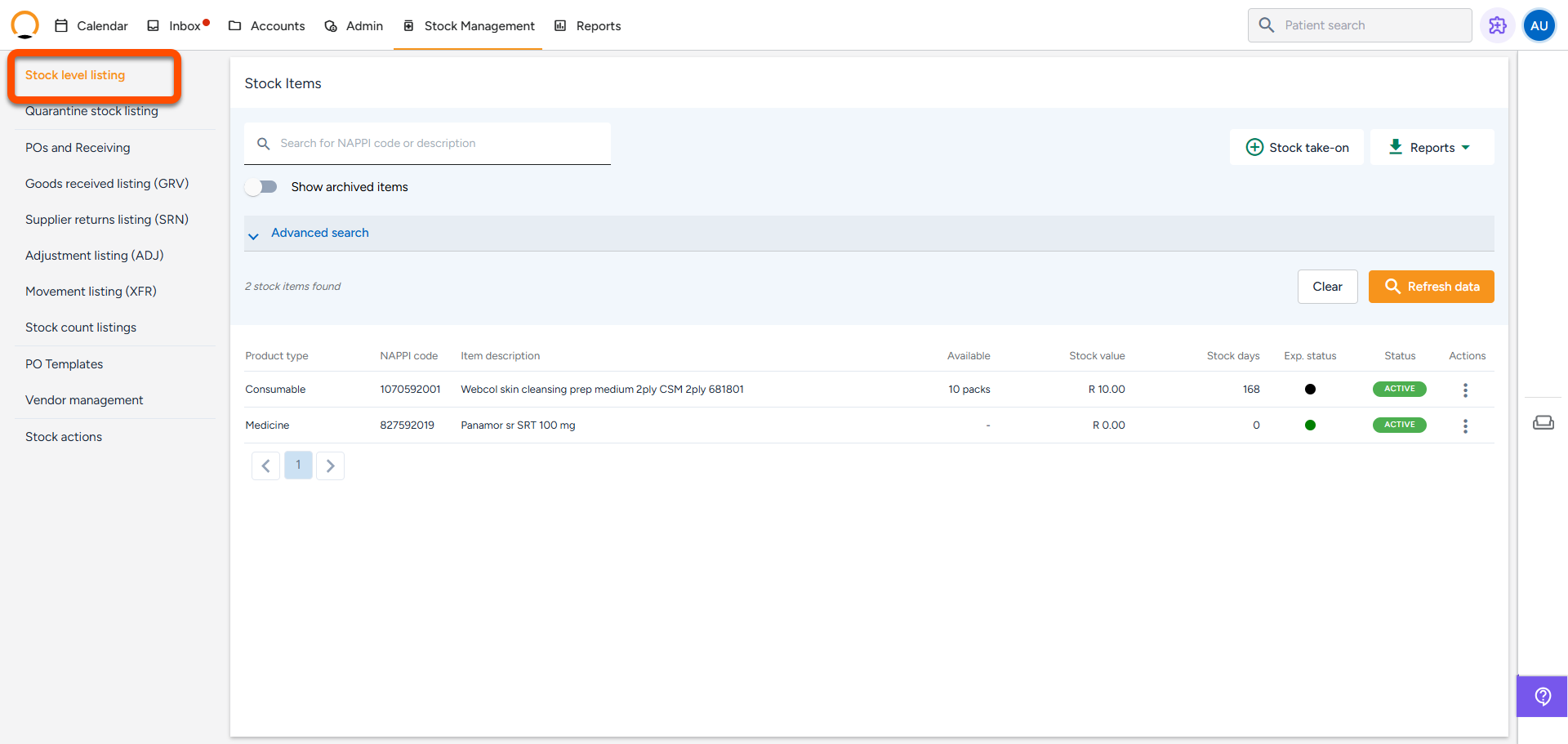
1. Know What You Have "Stock Level Listing"
- View a live list of all current stock (quantities, expiry dates, how long it’s been sitting)
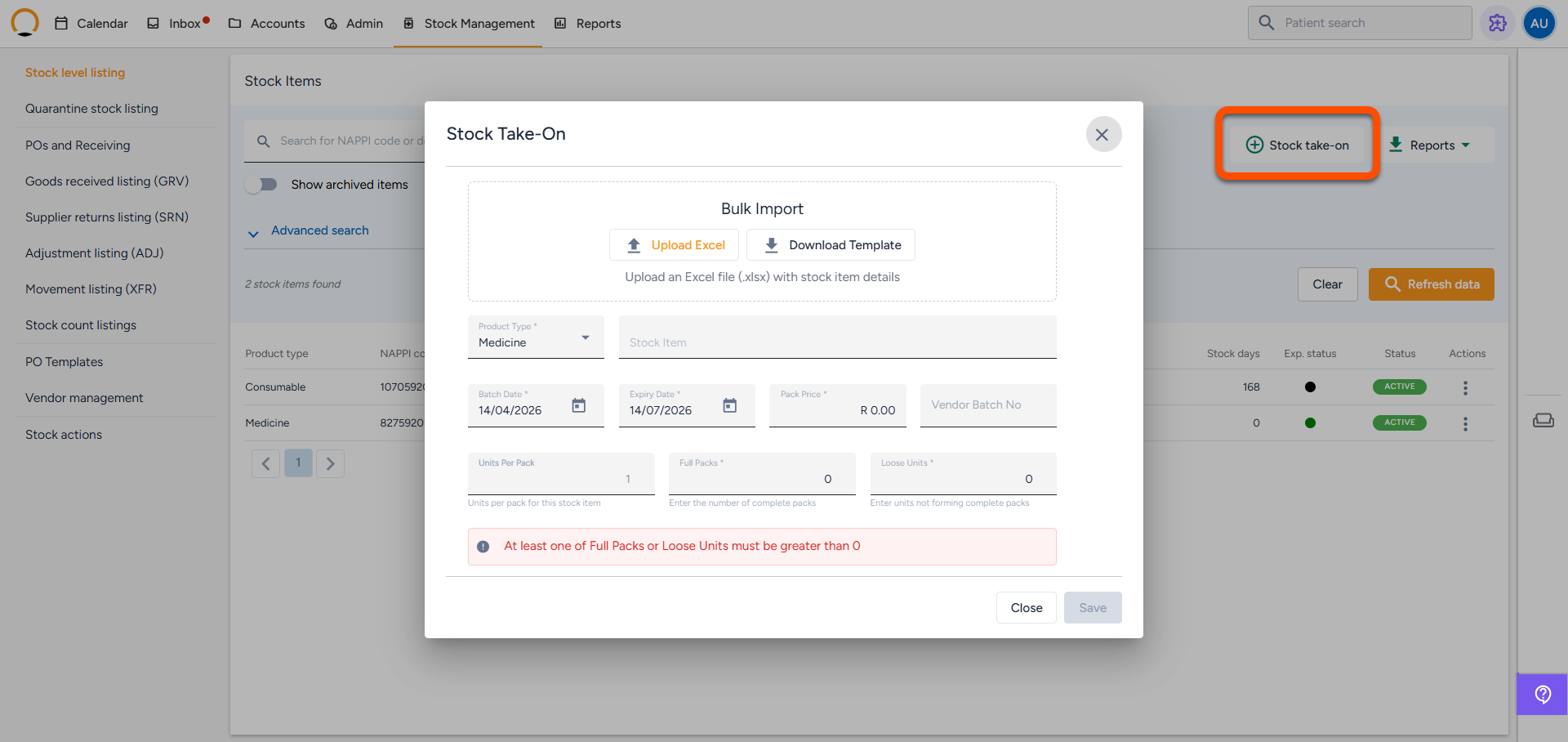
2. Add New Stock
- Load opening stock manually or in bulk (via Excel)
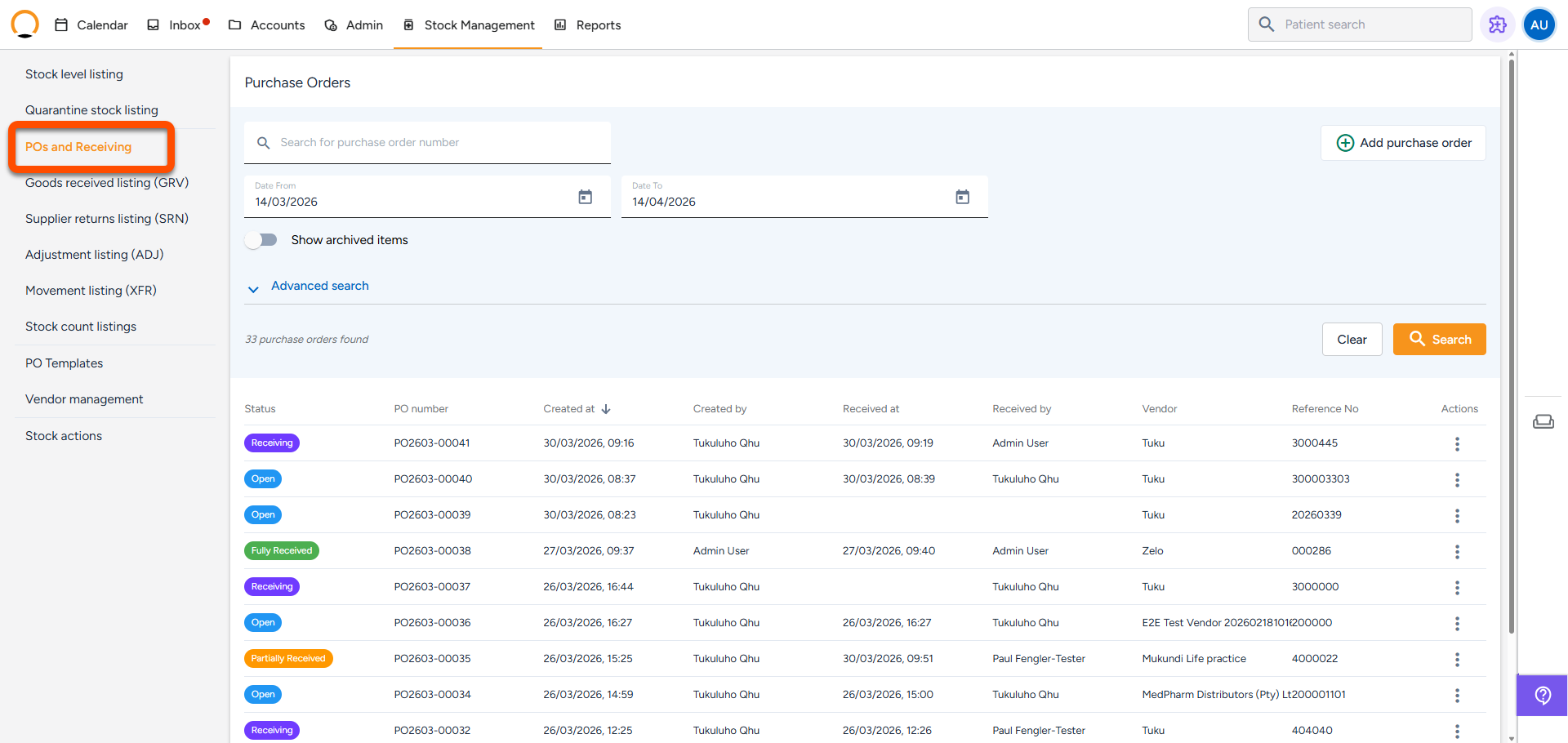
3. Place and Receive Orders
- Create a purchase order (PO) for your supplier
- When stock arrives, mark it as received, partially received, or failed (e.g. damaged)
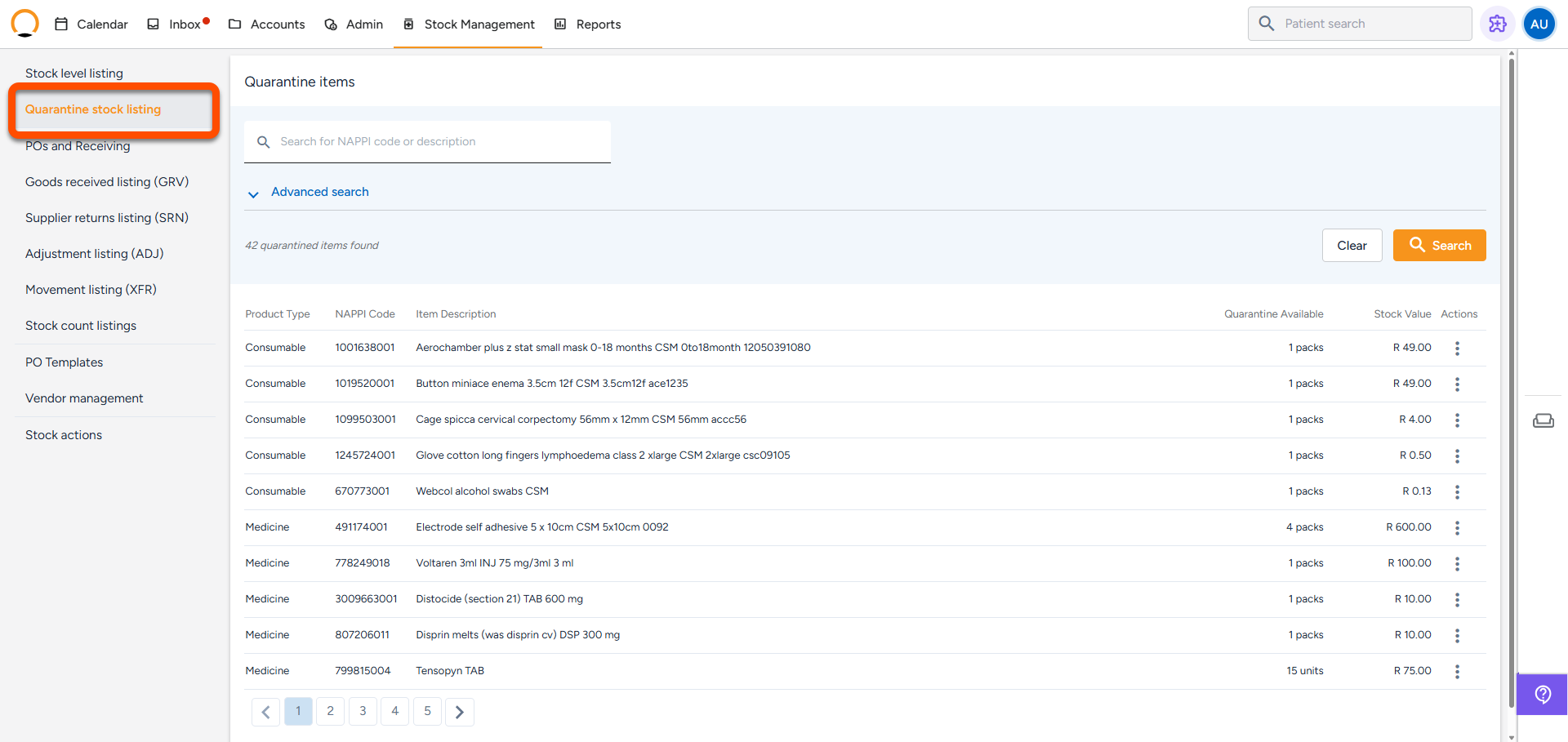
4. Track Expired or Damaged Items
- Any bad stock gets moved to quarantine — so it’s safely separated and can’t be used by mistake
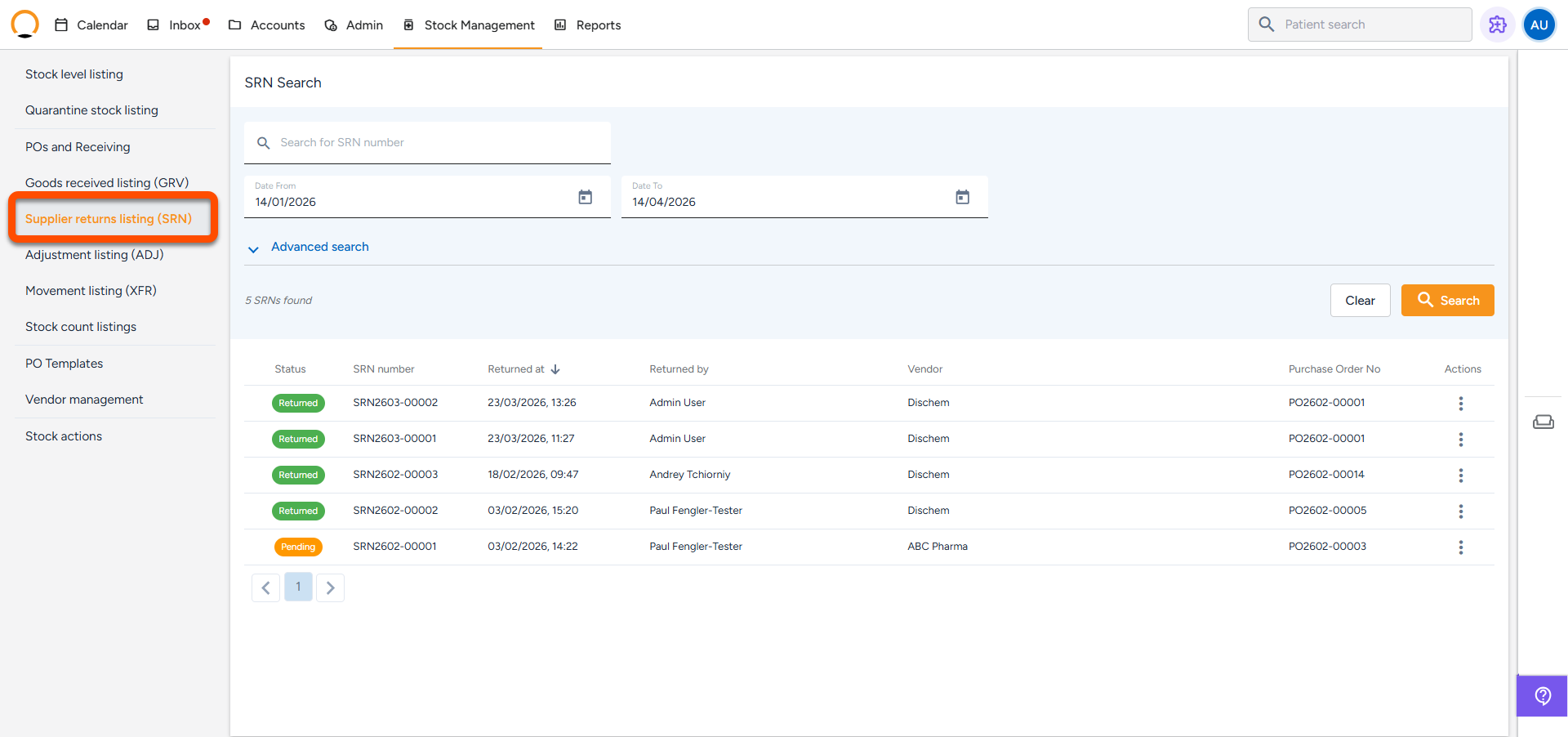
5. Return Items to the Supplier
- Create a Supplier Return Note (SRN) for anything you need to send back to the supplier.
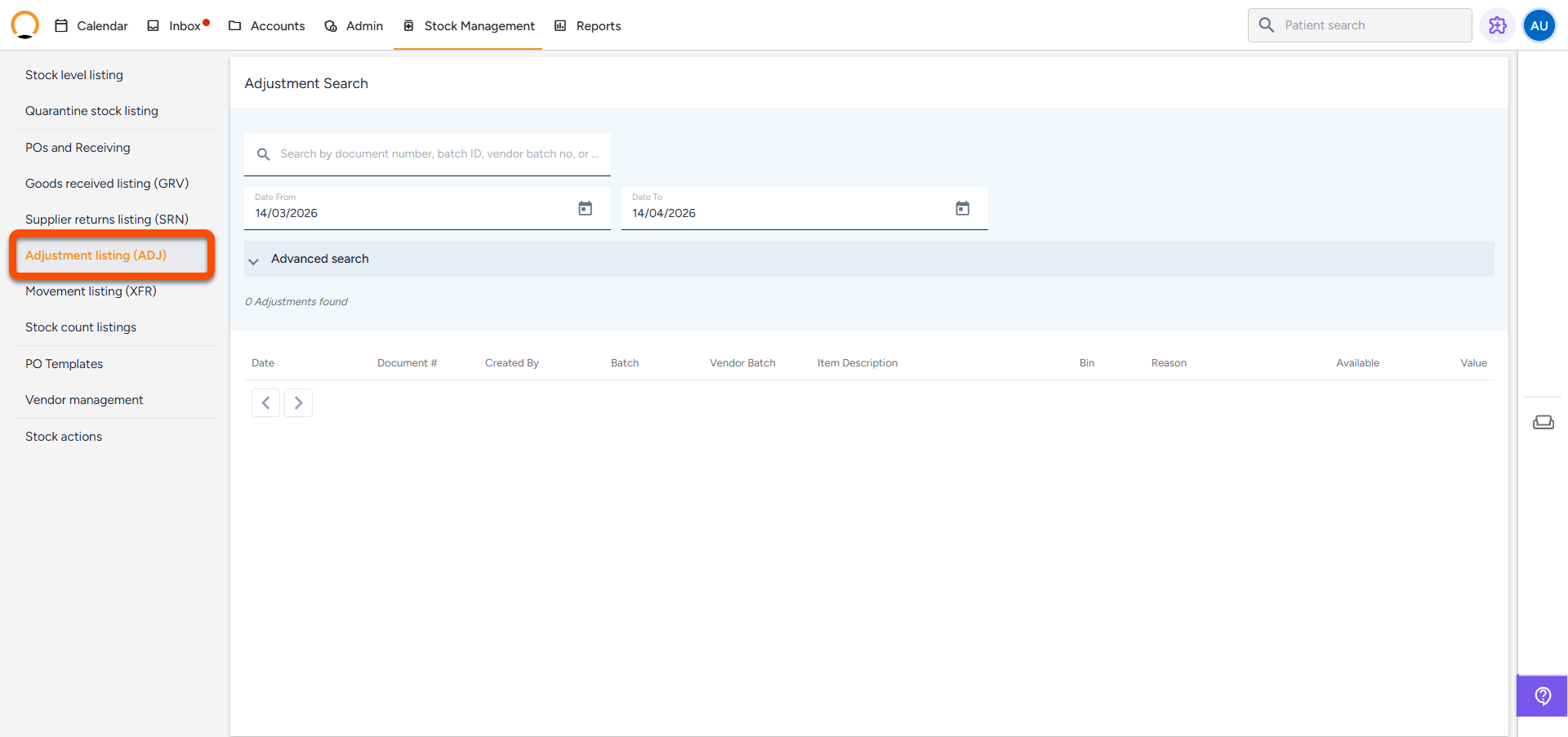
6. Fix Mistakes
- If something was recorded wrong, or goes missing, you can adjust the quantity — and the system keeps a log.
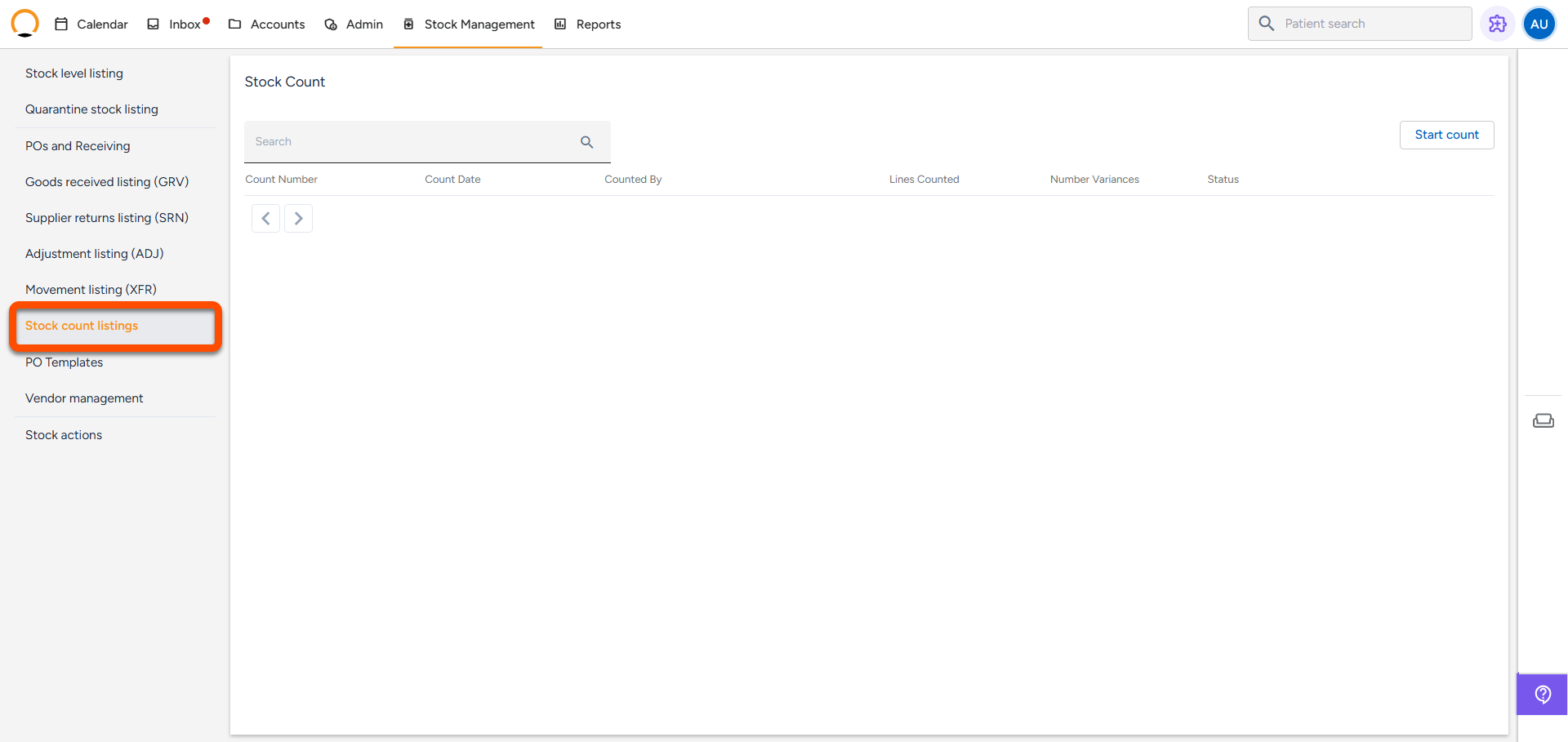
7. Count Stock
- Perform stock counts (monthly, quarterly) to compare what’s physically there vs. what the system thinks is there
- System helps you fix the differences automatically.
8. View Full History
- Audit every action: what was received, returned, moved, or adjusted — with reasons, users, and time stamps your content here.